GitHub Copilot
GitHub Copilot is an AI-powered pair programmer developed by GitHub and OpenAI that assists developers by generating code, providing suggestions, and explaining code snippets directly within IDEs.
How to create your GitHub account via the GitHub website
https://services.pitt.edu/TDClient/33/Portal/KB/ArticleDet?ID=430
GitHub Copilot offers a free tier, officially dubbed GitHub Copilot Free, providing limited, complimentary AI-powered coding assistance. It includes basic code completions, Chat features, and Copilot Edits with usage caps (e.g., approximately 2,000 completions and 50 chat messages per month).
Students and faculty can use GitHub Copilot for free as part of the GitHub Education program. For more information, see the GitHub Education page.
https://github.com/education
https://services.pitt.edu/TDClient/33/Portal/Requests/ServiceDet?ID=342
Available for free to verified students, teachers, and open-source maintainers. $19/month/user for usage outside the classroom.
GitHub Copilot in RStudio server
GitHub Copilot is available as an opt-in integration in RStudio Server.
Start RStudio Server 2025 from https://ondemmand.htc.crc.pitt.edu
Navigate to Tools > Global Options > Copilot.
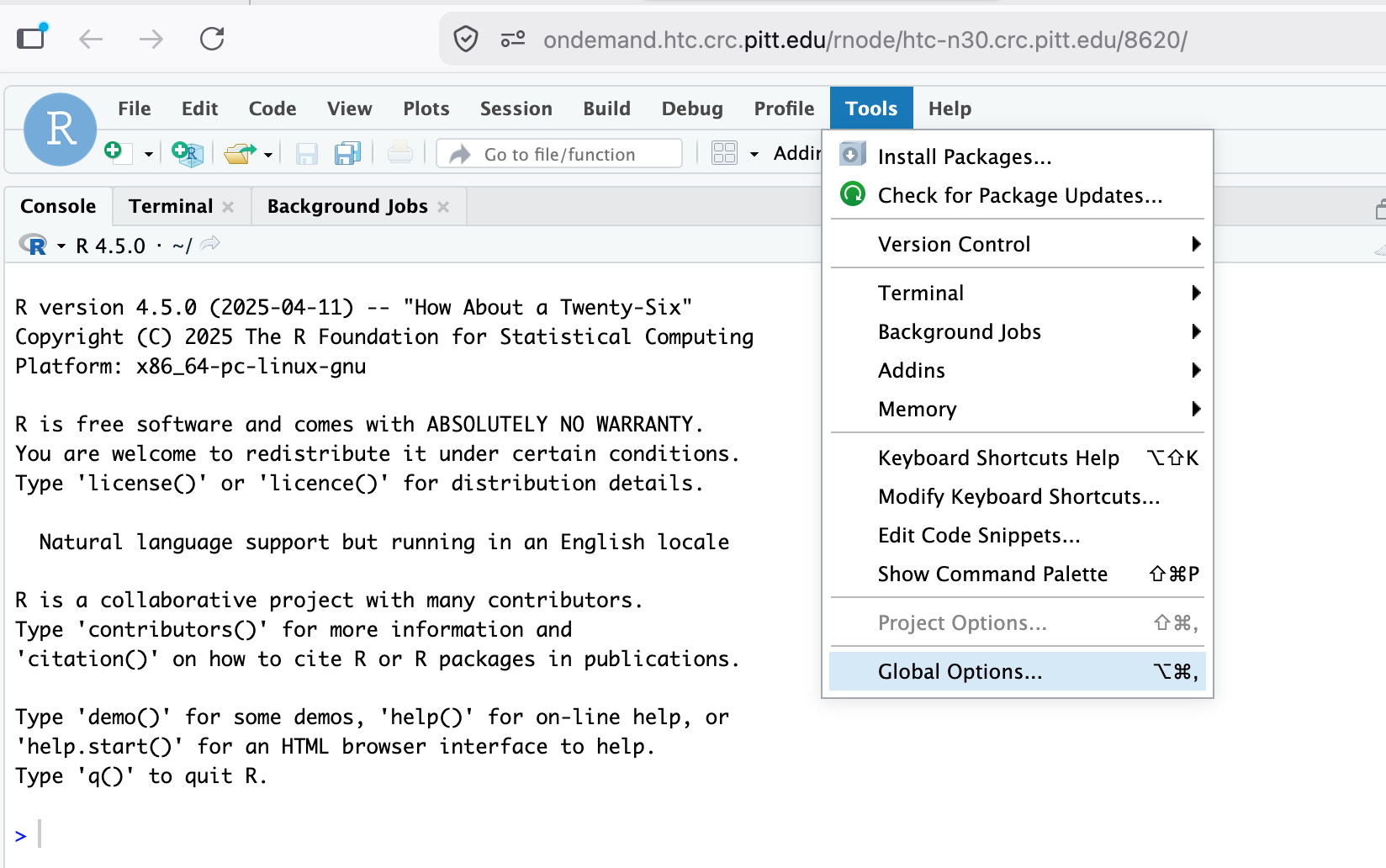
Check the box to “Enable GitHub Copilot”.

Click the “Sign In” button.
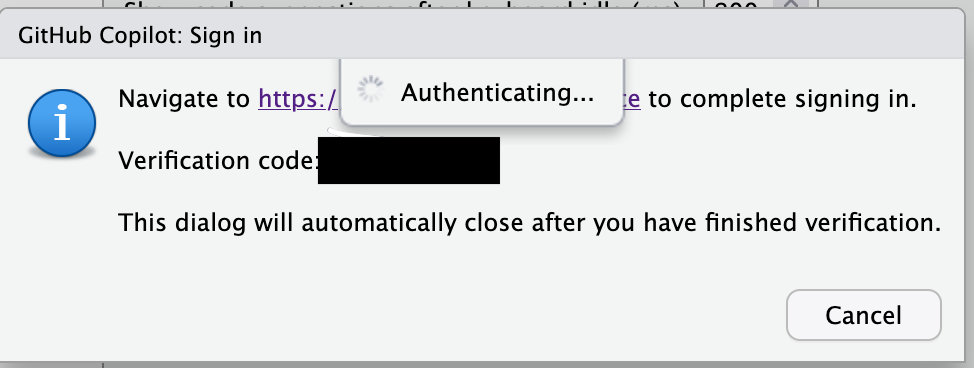
In the “GitHub Copilot: Sign in” dialog, copy the Verification Code.
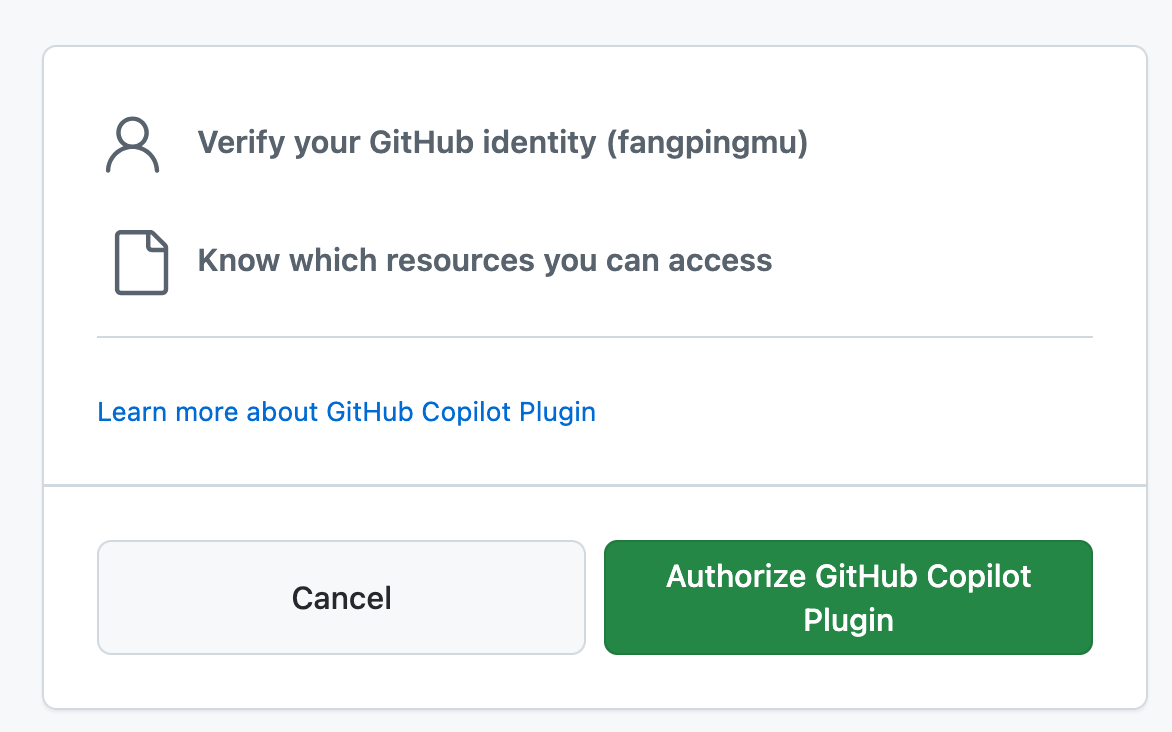
GitHub will request the necessary permissions for GitHub Copilot. To approve these permissions, click “Authorize GitHub Copilot Plugin”.
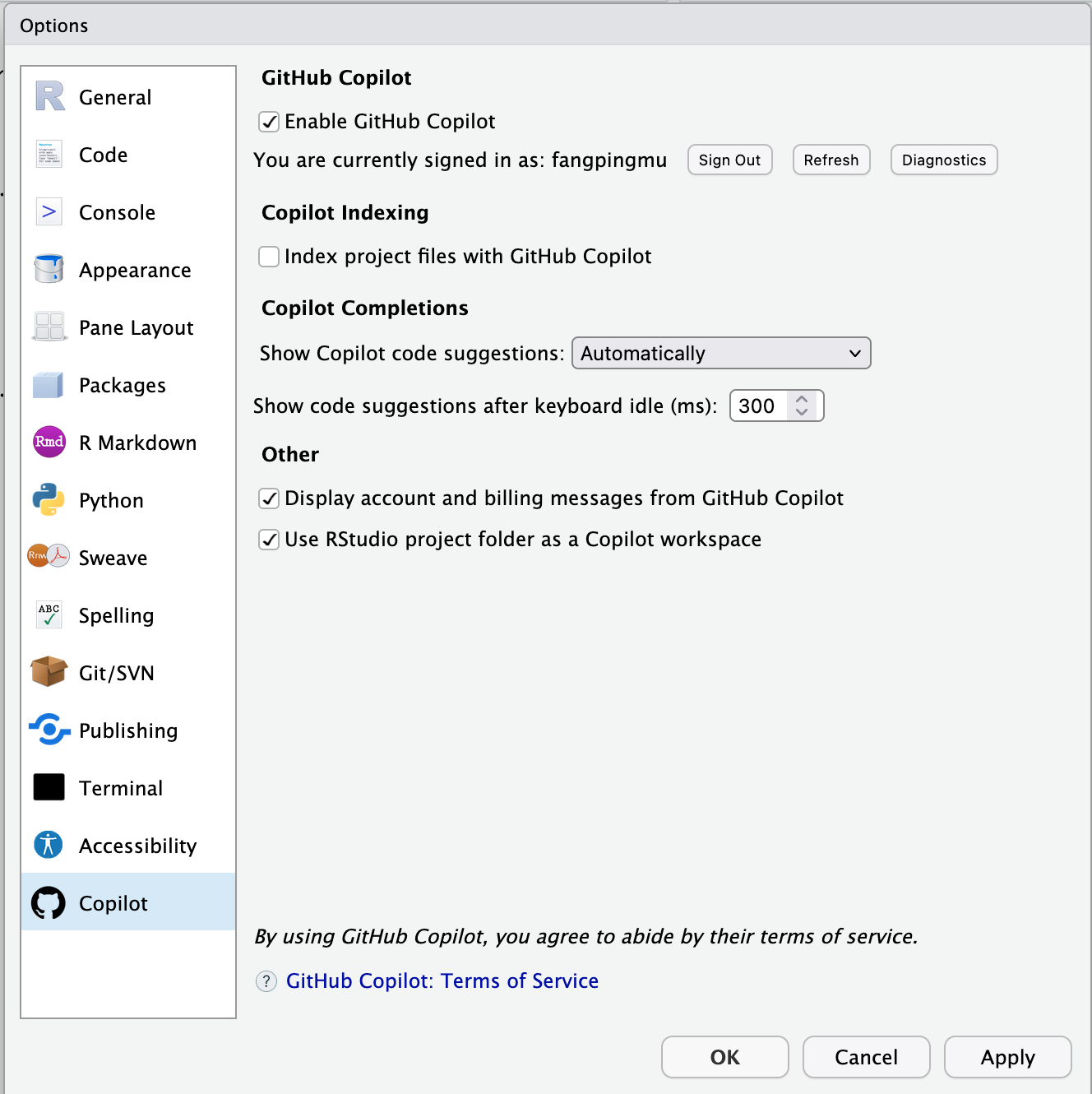
To disable GitHub Copilot, click Sign Out or uncheck “Enable GitHub Copilot”
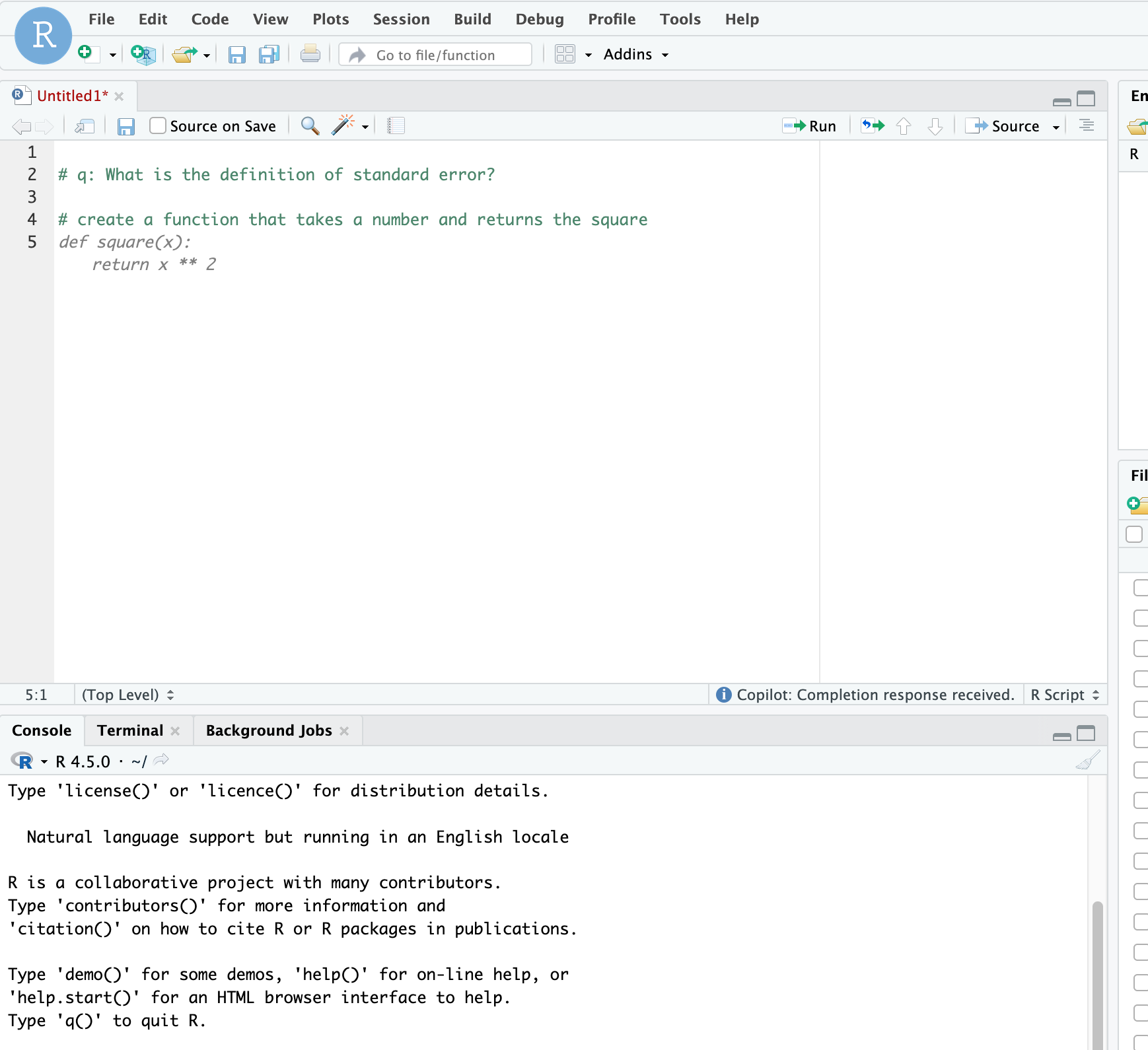
Using Copilot
https://docs.posit.co/ide/user/ide/guide/tools/copilot.html